
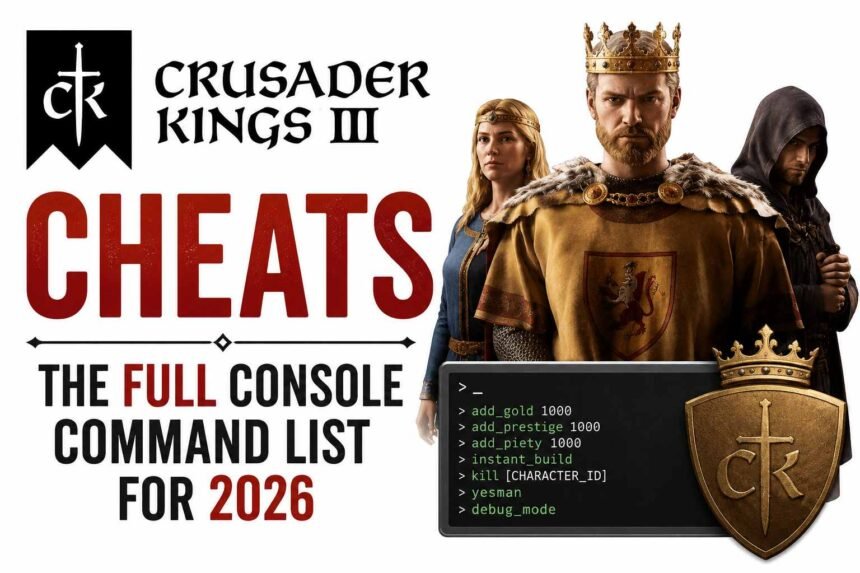
Crusader Kings 3 cheats work through the debug console, a command line built into the game that lets you add gold, prestige, change traits, modify relations, and much more. This guide covers how to open the CK3 debug console on Steam and Game Pass, the full list of useful Crusader Kings 3 cheats, and the one thing you need to know about achievements before you start.
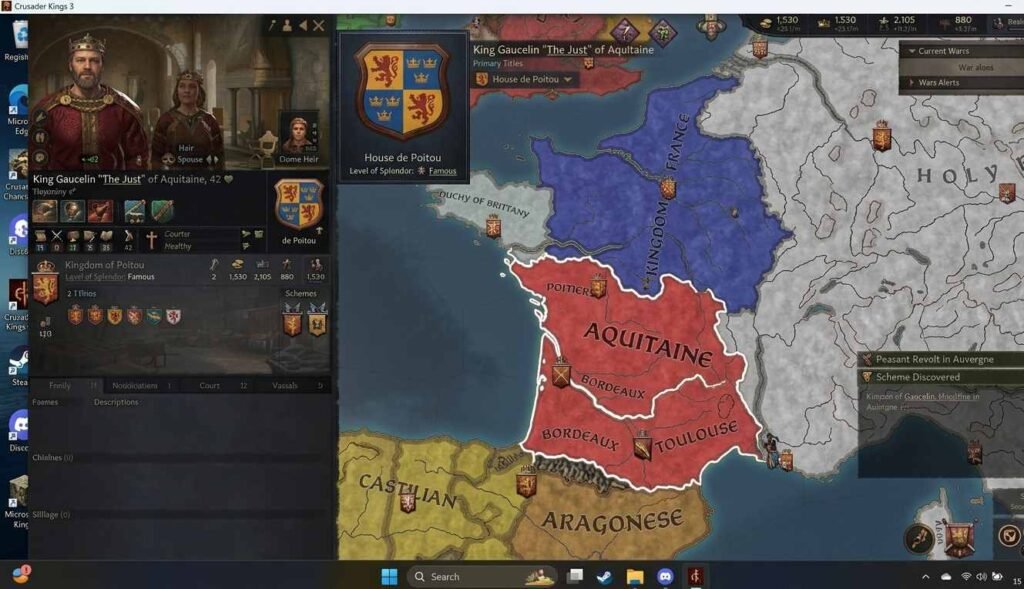
Achievement warning: Enabling the debug console in Crusader Kings 3 disables achievements for that save permanently. If you are on an achievements run, use a separate save file for Crusader Kings 3 cheats. There is no way to re-enable achievements on a save where the console has been used.
How to Open the Crusader Kings 3 Debug Console
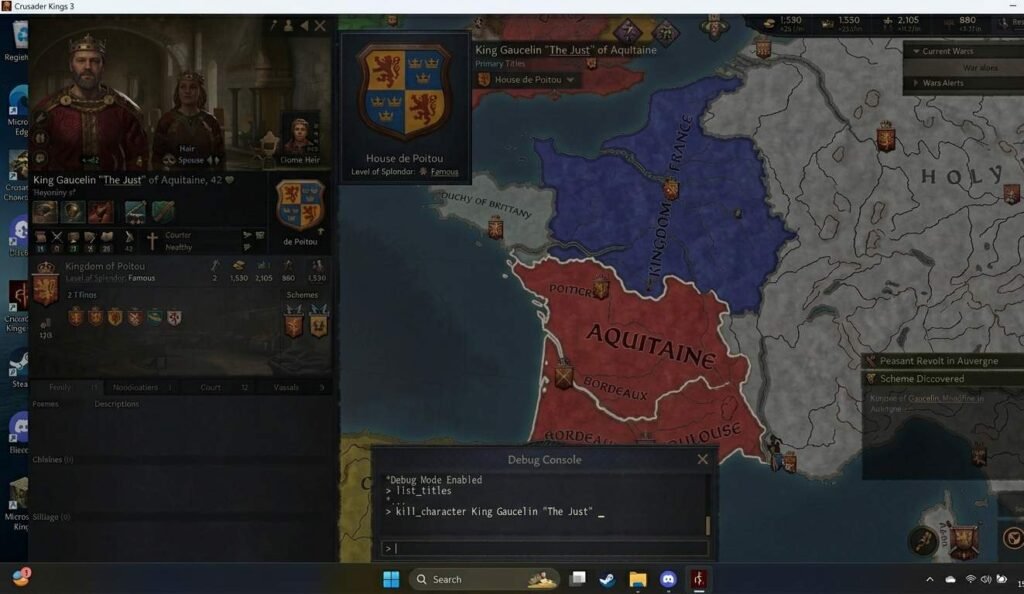
The Crusader Kings 3 debug console does not open the same way on Steam and Game Pass. The method depends on how you launched the game.
On Steam
Opening the Crusader Kings 3 cheats console on Steam requires adding a launch parameter.
- Right-click Crusader Kings 3 in your Steam library and select Properties.
- In the Launch Options field, type: -debug_mode.
- Launch the game. The debug console is now active.
- Press the tilde (~) key in-game to open and close the console input field.
- Type your Crusader Kings 3 cheats command and press Enter to execute.
If the tilde key does not work on your keyboard layout, check the official CK3 console key reference on the Paradox wiki for alternative keys by region.
On Microsoft Store and Game Pass
The Microsoft Store and Game Pass versions of CK3 do not support the -debug_mode launch parameter. To access Crusader Kings 3 cheats on these versions, you need to edit a game settings file directly.
- Navigate to your CK3 user data folder: Documents\Paradox Interactive\Crusader Kings III
- Open the file named pdx_settings.txt in a text editor.
- Find the line: debug_mode=no.
- Change it to: debug_mode=yes.
- Save the file and launch the game. The console now opens with the tilde key.
If the pdx_settings.txt file does not exist yet, launch the game once, and it will be created automatically. Then close the game, edit the file, and relaunch.
Crusader Kings 3 Cheats: Gold, Prestige, and Piety
These are the most-used Crusader Kings 3 cheats for resource management. Gold, prestige, and piety commands add the specified amount directly to your current ruler’s totals. All amounts accept negative values to remove resources if needed.
| Crusader Kings 3 Cheats Command | What It Does |
| gold [amount] | Adds the specified amount of gold to your treasury |
| prestige [amount] | Adds prestige to your ruler |
| piety [amount] | Adds piety to your ruler |
| renown [amount] | Adds dynasty renown |
| set_culture [culture_id] | Changes your ruler’s culture to the specified culture |
| set_faith [faith_id] | Changes your ruler’s faith to the specified faith |
| add_realm_law [law_id] | Adds the specified law to your realm |
For Crusader Kings 3 cheats involving culture and faith IDs, the ID strings are the internal names used by the game. For example, the culture ID for English is ‘english’ and for Norse is ‘norse’. A full list is available on the Paradox wiki.
Crusader Kings 3 Cheats: Trait, Stress, and Health Commands
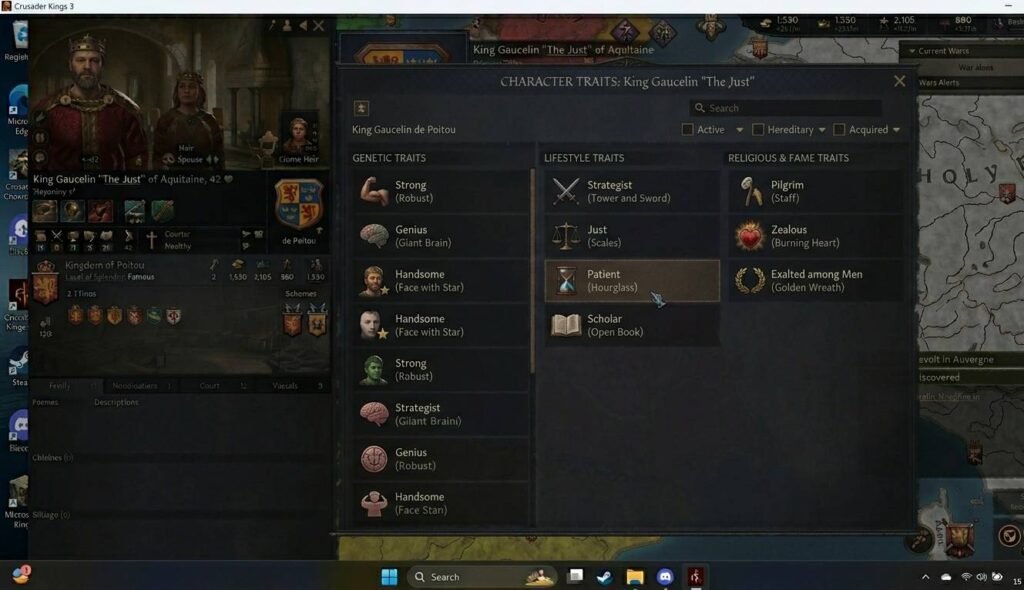
Trait commands are some of the most powerful Crusader Kings 3 cheats available. They let you add or remove any trait from any character, including traits normally locked behind events or bloodlines. Stress and health commands give you direct control over your ruler’s wellbeing.
| Crusader Kings 3 Cheats Command | What It Does |
| add_trait [trait_id] | Adds the specified trait to the selected character |
| remove_trait [trait_id] | Removes the specified trait from the selected character |
| add_stress [amount] | Adds stress to the selected character |
| remove_stress [amount] | Removes stress from the selected character |
| add_health [amount] | Adds health points to the selected character |
| kill | Kills the currently selected character instantly |
| age [amount] | Changes the selected character’s age by the specified amount |
| add_lifestyle_xp [amount] | Adds lifestyle experience to the selected character |
To use the Crusader Kings 3 cheats on a specific character rather than your own ruler, click the character portrait first to select them before entering the command. The console applies commands to whichever character is currently selected in the UI.
Common trait IDs include: brave, craven, genius, imbecile, beautiful, ugly, chaste, lustful, temperate, gluttonous, diligent, and slothful. The full trait ID list is extensive — for a complete reference, see the Paradox wiki trait table.
Crusader Kings 3 Cheats: Character, Title, and War Commands
These Crusader Kings 3 cheats let you modify political relationships, grant or take titles, and manipulate ongoing wars. They are the most impactful commands in the game and the ones most worth understanding before use.
| Crusader Kings 3 Cheats Command | What It Does |
| give_title [title_id] [character_id] | Grants the specified title to the specified character |
| take_title [title_id] | Takes the specified title from its current holder |
| add_claim [title_id] | Adds a claim on the specified title to your ruler |
| add_pressed_claim [title_id] | Adds a pressed claim on the specified title |
| add_relation [relation_id] [character_id] | Adds the specified relation between your ruler and the target |
| remove_relation [relation_id] [character_id] | Removes the specified relation |
| add_opinion [amount] [character_id] | Modifies the opinion a character has of your ruler |
| end_war [war_id] | Ends the specified war immediately |
| declare_war [title_id] | Declares war over the specified title |
For a full list of title IDs and character IDs to use with these Crusader Kings 3 cheats, the CK3 Paradox Wiki console commands page is the most complete and regularly updated reference available.
Crusader Kings 3 Cheats: Useful Quality of Life Commands
Beyond resource and trait manipulation, several Crusader Kings 3 cheats improve the overall experience without changing the game balance dramatically. These are the commands most players keep coming back to.
| Crusader Kings 3 Cheats Command | What It Does |
| observe | Switches the game to observer mode — you watch the AI play without controlling anything |
| play [character_id] | Switches control to the specified character |
| charinfo | Toggles display of character IDs — useful for targeting specific characters with commands |
| event [event_id] | Triggers the specified event for your ruler |
| clear | Clears the console output |
| help | Displays a list of available console commands |
| set_learning [amount] | Sets your ruler’s learning skill directly |
| set_diplomacy [amount] | Sets your ruler’s diplomacy skill directly |
| set_martial [amount] | Sets your ruler’s martial skill directly |
| set_stewardship [amount] | Sets your ruler’s stewardship skill directly |
| set_intrigue [amount] | Sets your ruler’s intrigue skill directly |
The charinfo command is especially useful for using Crusader Kings 3 cheats on specific characters. Without it, you have to guess or look up character IDs elsewhere. Toggle it on, hover over any character portrait, and their ID appears in the tooltip.
Will Crusader Kings 3 Cheats Disable Achievements
Yes. Opening the debug console and using any Crusader Kings 3 cheats command disables Steam and Microsoft Store achievements for that save file permanently. This is enforced by the game itself and cannot be reversed. Once the console has been used on a save, achievements are off for the lifetime of that save.
- Achievement runs: Start a fresh save and do not enable debug mode. Keep your achievement playthrough completely separate from your Crusader Kings 3 cheats playthrough.
- Steam achievements: Disabled the moment you open the console. This happens not just when you use a command.
- Game Pass achievements: Same behaviour. The debug_mode=yes file edit disables them on first console use.
- No workaround exists: Editing save files or disabling debug mode after the fact does not restore achievement eligibility.
For players who want to explore Crusader Kings 3 mechanics but without losing achievements, the CK3 mod Total War Cheats on the Paradox forum offers some cheat options through game mods that preserve achievement eligibility on certain saves.
For more grand strategy cheat guides and PC game console commands, see our PC cheats hub. For Palworld console command guides, see our
Frequently Asked Questions
How do I find character IDs for Crusader Kings 3 cheats?
Use the charinfo command to toggle character ID display. Once active, hovering over any character portrait in the game UI shows their internal ID. Use this ID in commands that require a target character, such as give_title and add_opinion.
Do Crusader Kings 3 cheats work in multiplayer?
The debug console is available in multiplayer games where you are the host. However, using Crusader Kings 3 cheats in multiplayer affects the shared game world and is generally considered poor practice unless all players have agreed to it. Achievements are disabled for all players in a multiplayer session where the console is active.
Why is my Crusader Kings 3 cheats console not opening?
The most common causes are: the -debug_mode launch parameter not being saved correctly in Steam, a keyboard layout where tilde does not map to the console key, or the Game Pass version requiring the pdx_settings.txt edit rather than the Steam launch parameter. Verify your method matches your platform and check the Paradox wiki for your specific keyboard layout if the tilde key is the issue.
Crusader Kings 3 cheats make an already deep game into whatever you want it to be. Keep a separate save for achievements, use charinfo to target the right characters, and the console becomes one of the best tools in the game rather than a way to break it.